
Photos
How to Use the CHEF iQ MiniOven Smart Features: A Step-by-Step Guide
Photos
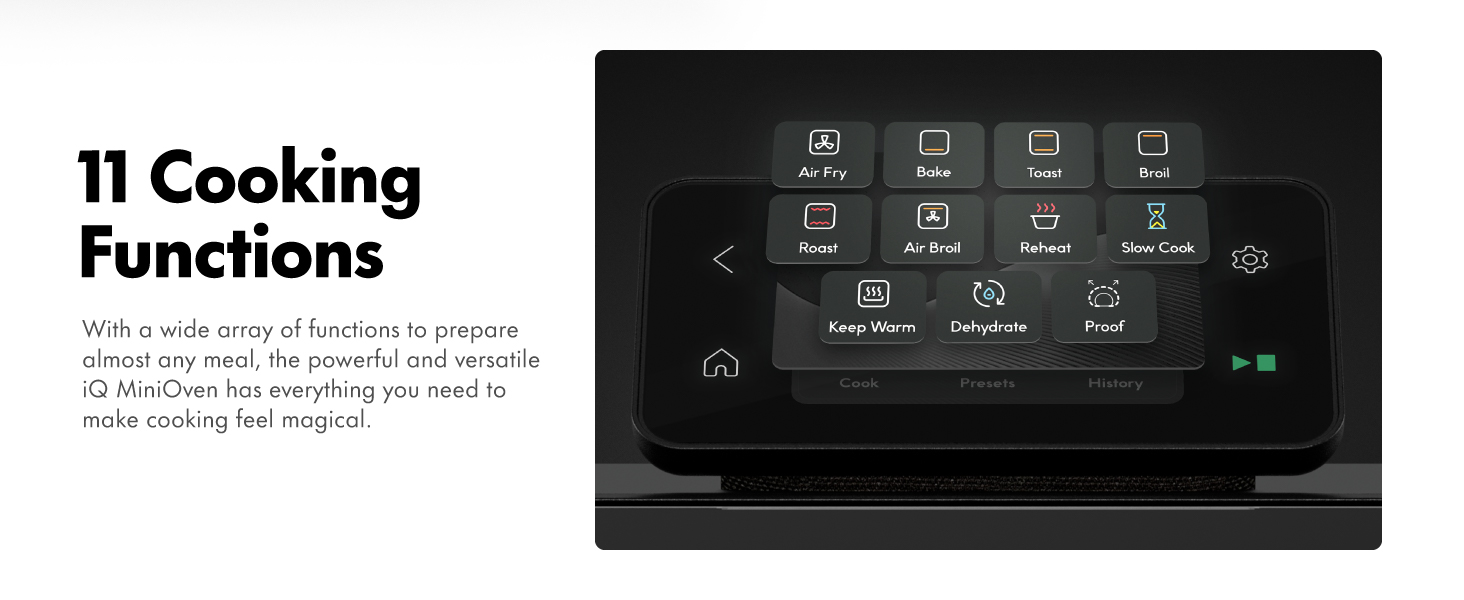
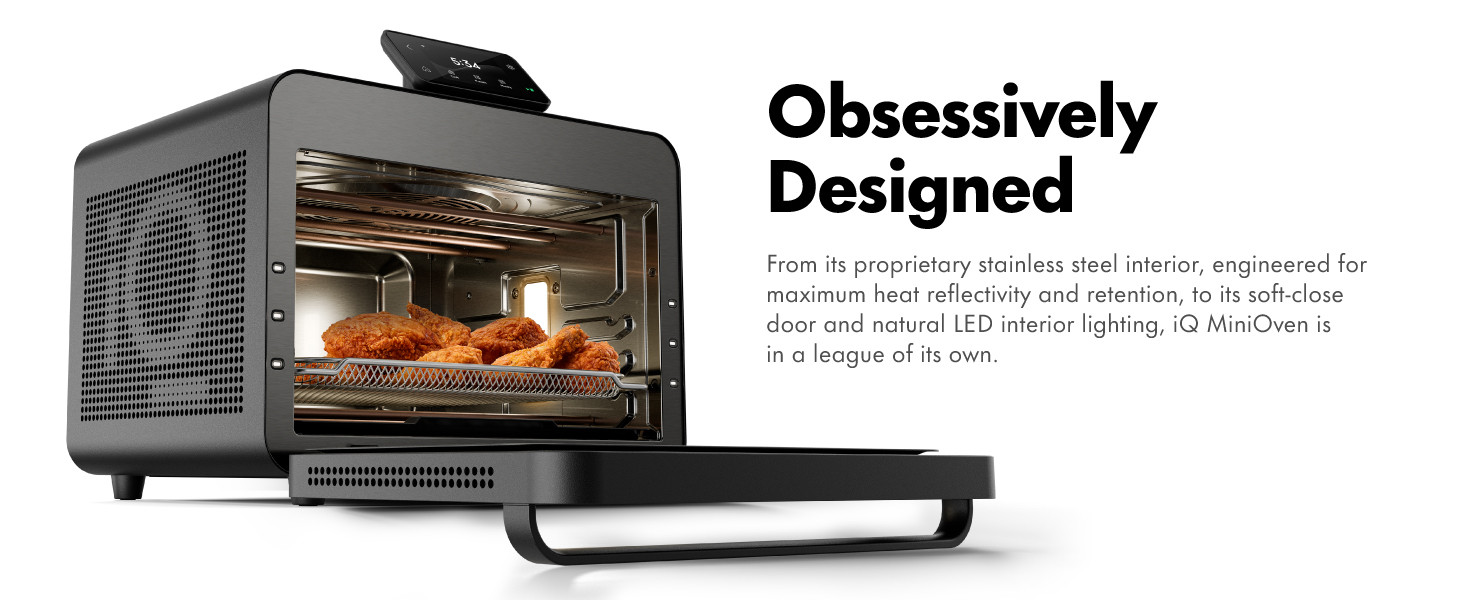
If you just unboxed your CHEF iQ MiniOven, you’re probably excited—but maybe a little overwhelmed by all the smart features. Don’t worry! This step-by-step guide will walk you through setup, app pairing, using guided recipes, and getting the most out of your 25-quart smart oven.
What You’ll Need
- CHEF iQ MiniOven (model CQ50-AM)
- Smartphone (iOS or Android)
- 2.4GHz Wi-Fi network (5GHz not supported)
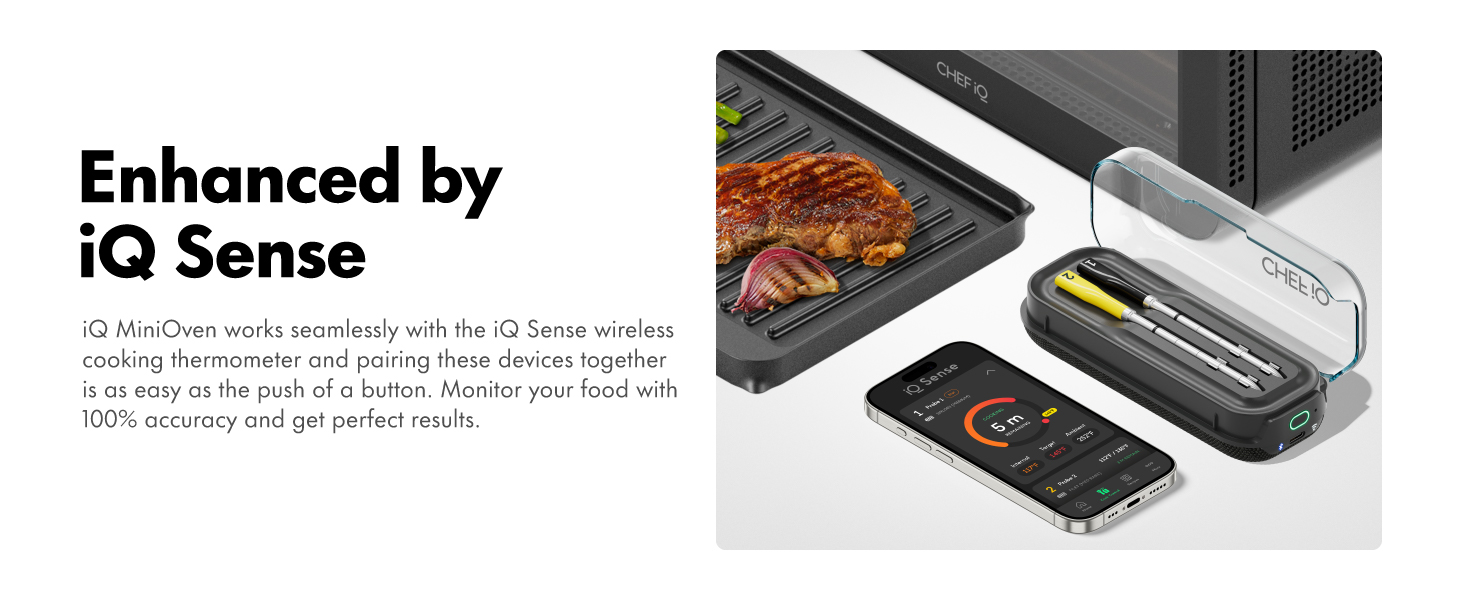
- iQ Sense Smart Thermometer (optional but recommended)
Photos
Step-by-Step Instructions
1. Unbox and Place the Oven
Remove all packaging materials. Place the oven on a flat, heat-resistant surface with at least 4 inches of clearance on all sides for ventilation.
Photos
2. Download the CHEF iQ App
Go to the App Store or Google Play and install the official **CHEF iQ** app.
3. Power On and Connect to Wi-Fi
Plug in the oven and press the power button. On the touchscreen, tap **“Wi-Fi Setup”**, then follow the prompts to connect to your 2.4GHz network.
4. Pair the Oven in the App
Open the CHEF iQ app, create an account (or log in), and tap **“Add Device”**. The app will detect your oven automatically. Confirm the pairing code shown on the oven’s screen.
5. Run the First-Time Calibration
The oven will run a 5-minute self-calibration to ensure accurate temperature control. Do not open the door during this process.
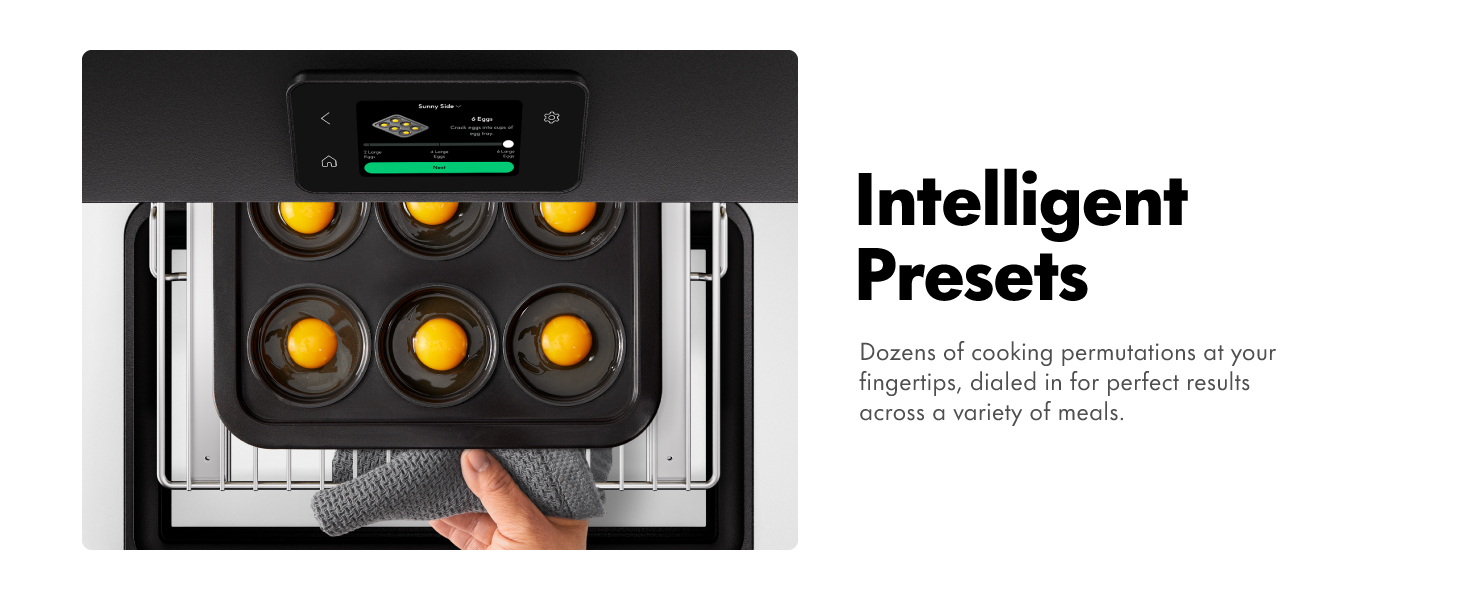
6. Try a Guided Recipe
In the app, browse the **“Recipes”** tab. Select a dish (e.g., “Crispy Air Fry Chicken Wings”), and tap **“Cook Now”**. The oven will preheat and guide you through each step with on-screen prompts.
7. Use the iQ Sense Thermometer (Optional)
Insert the smart thermometer into your meat, plug it into the oven’s port, and select a recipe that supports it. The oven will auto-adjust cooking time based on real-time internal temperature.
8. Clean and Maintain
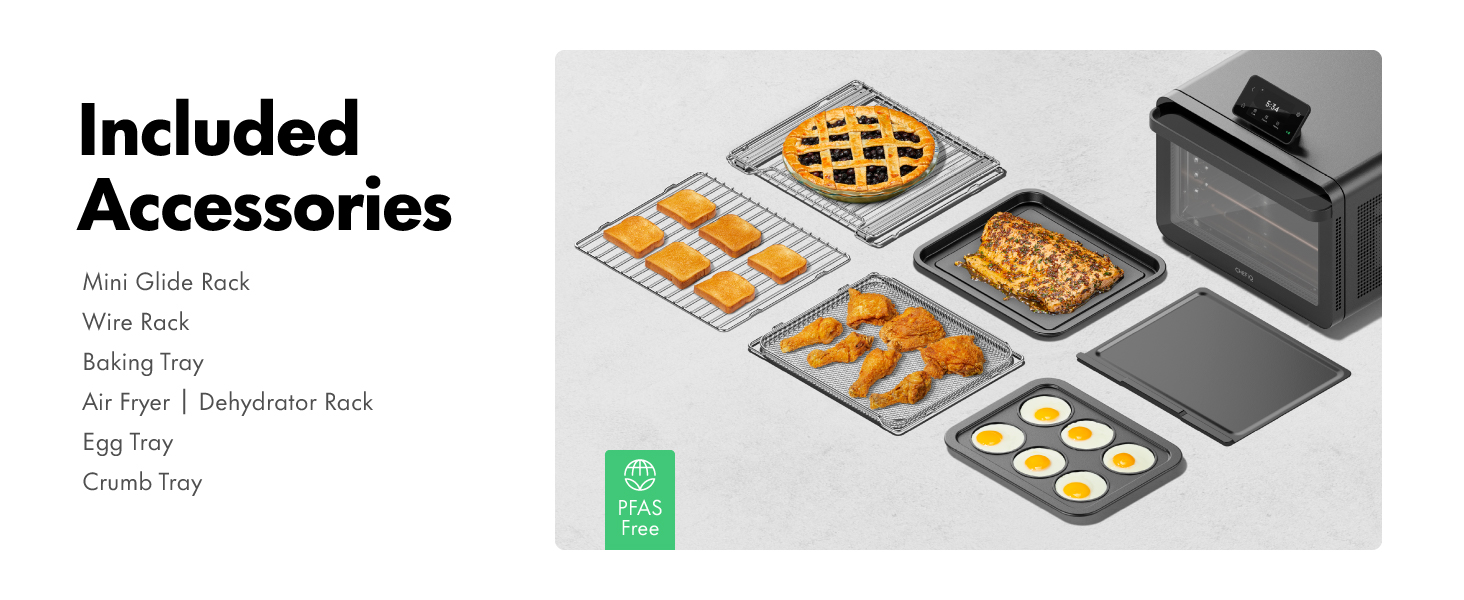
After cooling, wipe the interior with a damp cloth. All accessories are dishwasher-safe (top rack recommended).
Tips for Best Results
- Always use the included air fry basket for crispy results.
- Don’t overload the oven—leave space for air circulation.
- Update the app regularly for new recipes and firmware.
Photos
Disclosure: As an Amazon Associate, I earn from qualifying purchases.